The Angular
monitoring toolkit
you’ve been waiting
for.
What if catching and understanding errors in your Angular app was as easy as deploying it?
With real-time error tracking, contextual debugging, session replay, and LLM-powered insights, Modulis has you covered.

Session Replay
Investigate hard-to-crack bugs by playing through issues in a youtube-like UI. With access to requests, console logs and more!

Error Monitoring
Continuously monitor errors and exceptions in your Angular application, all the way from your frontend to your backend.

Performance Metrics
Monitor and set alerts for important performance metrics in Angular like Web Vitals, Request latency, and much more!

LLM ANALYTICS
If your application uses AI for chat, search, recommendations, or copilots, Modulis helps you understand how those AI features behave in production.
Modulis for Angular
Get started in your
Angular app
today.
//main.ts
import { H } from 'modulis.run';
H.init(
"", // Get your project ID from https://app.modulis.io/setup
networkRecording: {
enabled: true,
recordHeadersAndBody: true,
},
tracingOrigins: true // Optional configuration of Modulis features
);
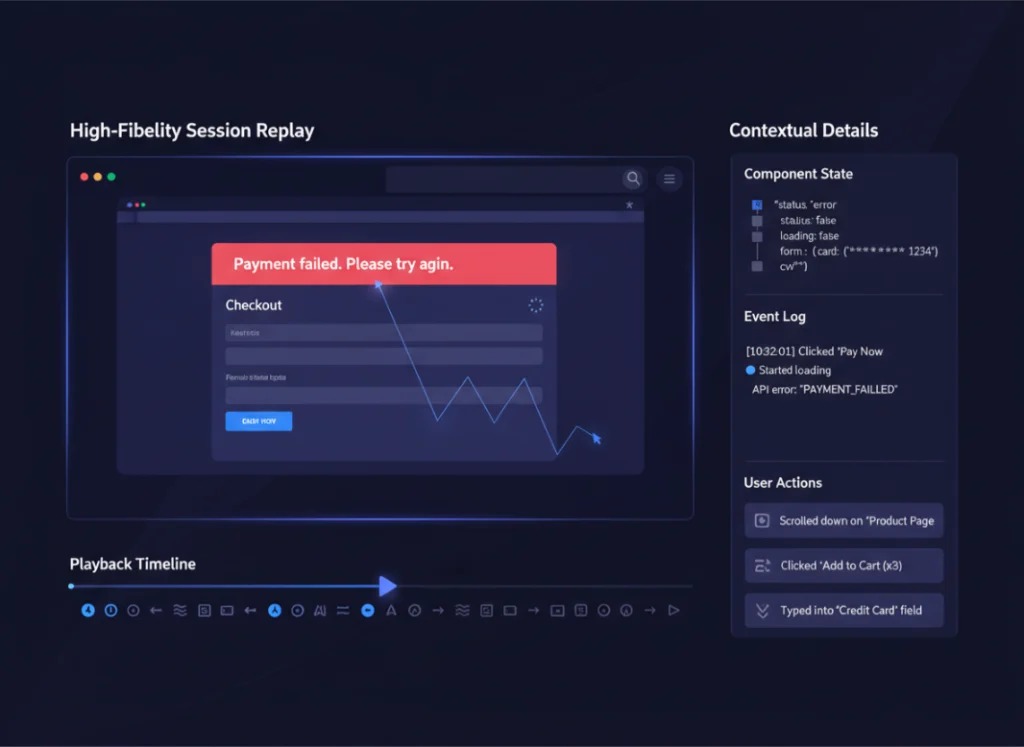
Reproduce issues with high-fidelity session replay.
When an error happens, you shouldn’t be guessing what the user experienced.
With Modulis session replay for Angular:
Replay affected user interactions from start to finish
See clicks, navigation, input, and UI state leading up to an error
Understand context instantly without logs-only debugging
Know exactly when exceptions happen
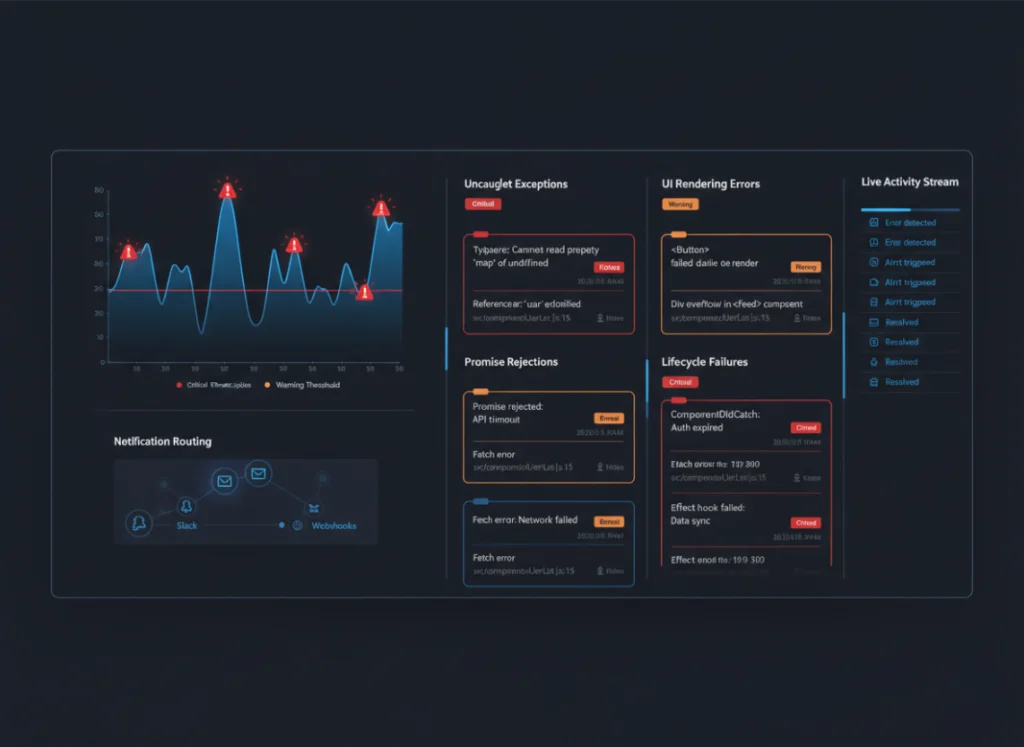
Modulis captures and categorizes Angular errors in real time:
Uncaught exceptions
UI rendering errors
Promise rejections
Lifecycle failures
Get notifications when errors hit thresholds that matter, routed to Slack, email, or webhooks.
Monitor the Angular metrics that matter
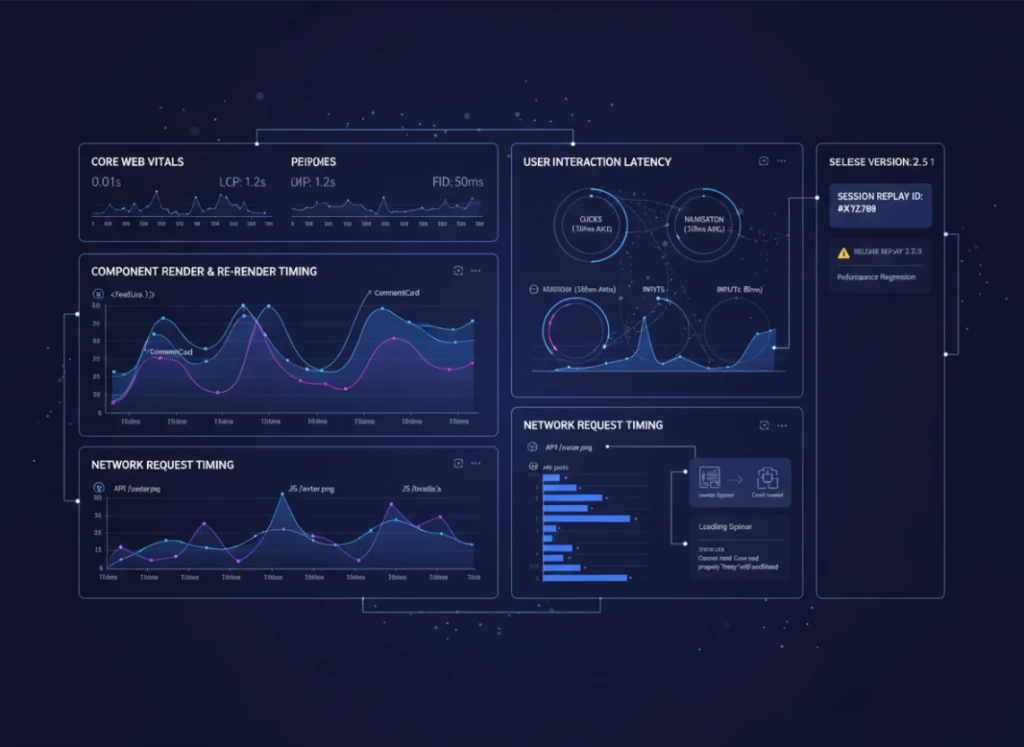
Modulis captures the performance signals that directly impact how users experience your Angular app—so teams can optimize what matters, not chase vanity numbers.
Track key client-side metrics such as:
Render & re-render timing to identify unnecessary component updates
User interaction latency across clicks, navigation, and inputs
Network request timing tied to UI state and user actions
Core Web Vitals (LCP, FID, CLS) mapped to real sessions
All metrics are automatically correlated with errors, session replays, and releases—so performance regressions never live in isolation.
AI performance, usage, and cost—clearly tracked
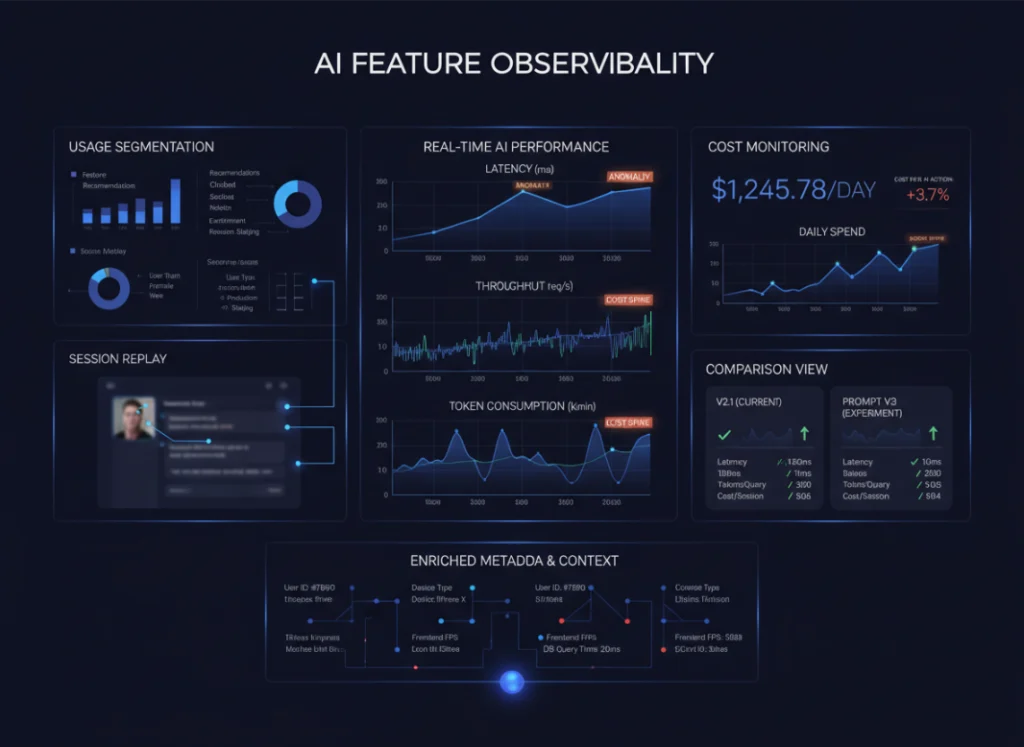
With the Modulis SDK, teams gain visibility into AI usage, performance, and cost—inside real user sessions.
With Modulis LLM Analytics, you can:
Track usage by feature, user, or session
Measure latency and throughput
Monitor token consumption and cost trends
View AI interactions via session replay
Compare behavior across releases or prompts
Because LLM Analytics connects to frontend metrics and sessions, every interaction includes user context—making optimization simpler as you scale.
Ready to ship like never before?